

Fly Modeling Tutorial by Sebastian König

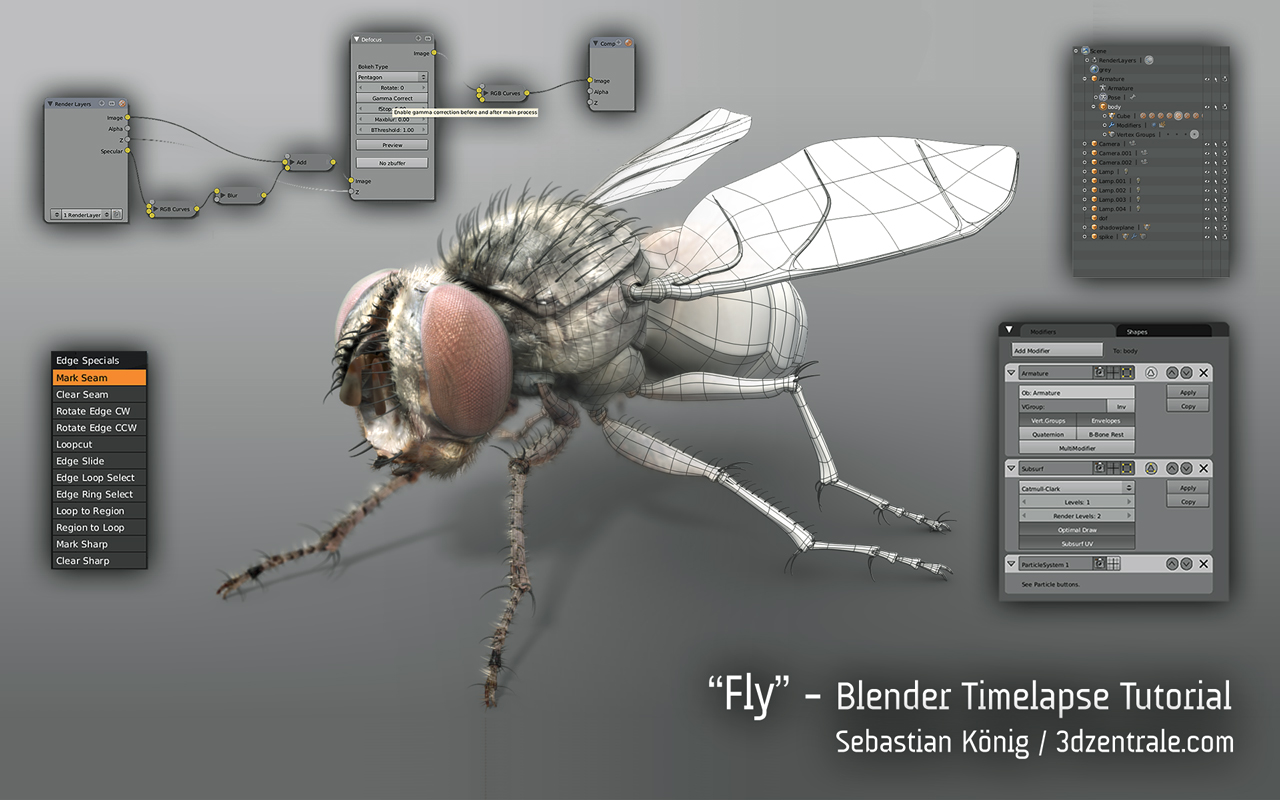 Sebastian König who created the Wasp timelapse last November, as promised has released his new project of a fly. This time along with his modeling timelapse video he has included the first part of a tutorial.
So here it is, the first part of my first tutorial, covering a very short introduction to Blender’s interface, the use of Grease Pencil and some modeling techniques. In the other parts of the tutorial, which I hope to finish soon, I will cover the use of dupligroups, some basic rigging, hair editing, shading and some basic compositing / rendering.
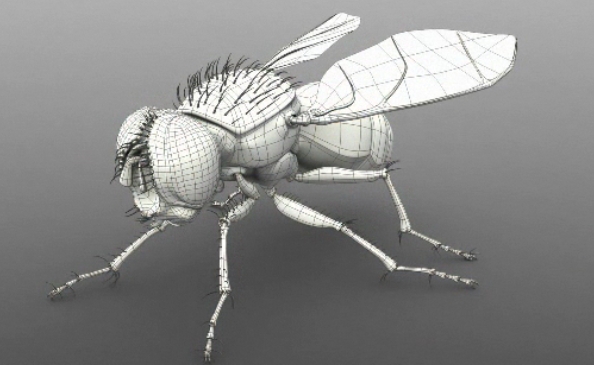
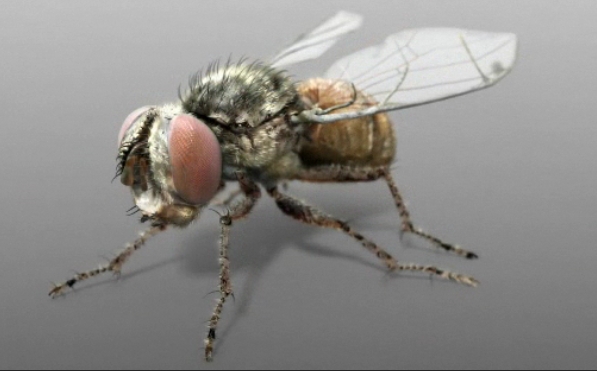
If you want to get an idea of the whole process you can watch the timelapse at For anyone who is interested, the tutorial can be found here: “




Simply amazing. I love the grease pencil trick.
very nice!
As always – great stuff from Sebastian – that’s the way to get the pros attention and blender into the pipelines ;-)
Haven’t seen the movie yet, but the pictures are amazing. I am always stunned what can be done with Blender.
Holy shit!
Indeed Dread Knight. That’s some great work right there!
Great modelling and great final rendering too.
This fly is ready … to fly !
Congratulations.
Great job ! Really interesting to improve the technicals skills, but do you have a tutorial for “talent” ;)
I now know where I will spend my next few night and it is not in my bed because of this tutorial, thank !
Excellent! I want to check into this. A huge thanks to everyone supporting the community by providing tutorials! :D I must learn more, I must learn more… ack! I have Bassam’s Mancandy FAQ downloaded with Miro and I need to dedicate some serious time to learning rigging, besides everything else… !!! Anyhow, thanks so much!
Awesome work. I’m still trying to get my head around topology loops, but watching this really adds pieces to the puzzle.
Very nice! Its always a pleasure to watch an experienced user overcome various topology situations.
Thank you for showing me the ctrl+T hotkey and the edge specials menu.
ctrl r 3 for three edgeloops and ctrl r s for smooth edgeloops. Who’d of known?! Some handy dandy stuff here. I look foreward to the next one.
one of the best video tutorials for the intermediate blender user! thx alot Sebastian!!
I’m really looking forward to the 2nd part of the text-overlay video :))
people with a CG-background find Blender’s interface sexy too :P
nice tut.
Nice one Sebastian and thks for taking the time to get your methods out there. This is one of the best Blend tuts I’ve checked out and it will definately help improve user knowledge and skills – still working through it and looking forward to pt. 2
Beautiful model! (At least beautiful in the modeling sense.)
I’m going have to check into those hair particles a little more. Great work, and a great promotion of Blender.
NathanKP – Made with Blender
Thank you all!
I am very glad you found it useful!
The second part could take a while (well, at least a week), but I try to finish it as soon as it gets.
Stay tuned and happy blending, and let’s all take a deep bow to Ton and the developers. Oh, and don’t forget the blendernation staff! Thank you guys!
This is Teh Awesome. Like watching a string virtuoso. Formidable.
this thing is freaking awesome.
This is some really great work, Sebastian. I focus almost entirely on really low poly modeling, but watching this vid makes me want to break out the Subsurf modifier and play around with some detailed modeling :D
I have to say: Blender never ceases to amaze me what beautifull things you can create with it!
I must to say: I’m depressed :D
This fly is ready
to fly !