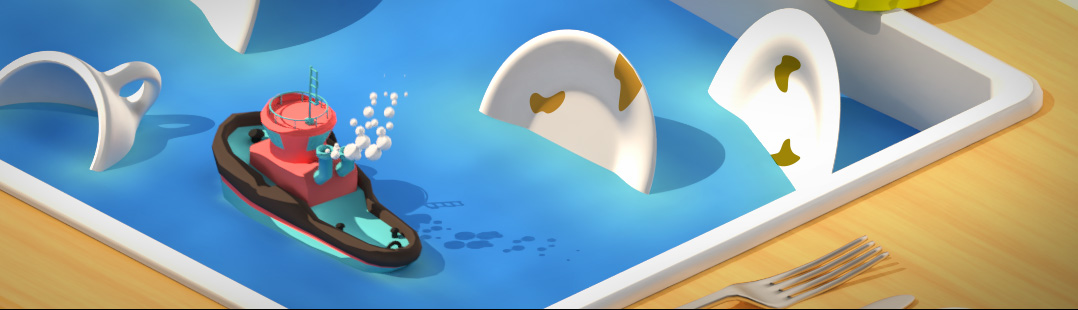

Design the BlenderNation Header

 It’s time to change our header again! I was a bit too busy for the last few weeks to take care of this – my apologies. This week’s entry is created by Mike Pan. It immediately made my mouth water and that made the choice easy :) Congratulations, Mike! Your image will be on the site until next week.
Keep the designs coming! Just paste them under this post. Also if your header image wasn’t selected this week, I may still pick it next week.
I had a look over all the previous entries again, and quite a few were unusable. I’ll repeat the requirements again, and add a few extra hints at the bottom:
- only submit complete, ‘ready to use’ headers.
- use the correct format (700 x 100 pixels). (size updated)
- use the correct background color (#3388cc).
- don’t use the left-side of the image (as the BlenderNation text and menu will be there).
- we like the (reflective) bar that Mathias introduced; you can use that as well, but it’s not required.
- please add your own name to the far right in a font like Arial or Helvetica.
Extra hints:
- always make sure that your image has a gradient to the background color (#3388cc) at the left; the header has a ‘fluid’ design meaning that if the page is wider than 700 pixels, extra blue will be added to the left. If you don’t use a gradient, this will show as a discontinuity in the background color.
- again, use the correct background color.
- don’t put any text at the bottom of your image; our menu will be printed over it.


Congratulation to mike :) Cool image and so real …
Photorealistic, only some of cream andd mmhhh !!! Awesome!
I like it :)
You couldn’t buy strawberrys of that quality from the supermarket. good work.
Ummm….great image, but the “advertise” and “submit news” tabs are kind of obscured…
@ Lukast. A few days ago i saw image of a Blender keyring. I was like kool something new in the Blender shop. I found out latter it was a Blender render \^_^/
[url]http://www.blender.org/typo3temp/pics/919d33ba2c.jpg[/url]
Great work Mike,
@ Studio Stockwell: I saw the Blender Keyring on the Blender.org gallery… yeah.
@ Anyone else: Anyone have a downloadable model of a super-robot so I don’t have to waste my money on Turbsquid to get one?
Oh, and @ Joshua: Nice one. Usually, the strawberries I get turn white and green in two weeks XP… Permanent 3D models = solution! Forget “Debbie Meyer’s Green Bags”! Download [insert name here’s (I never read the topic… just the comments ^.^)] strawberries!
Okay. I’ve officially classified myself as insane.
(Last comment until response from someone) OH… His name’s Mike. Duh. Now I’m insane AND unattentive.
Are there going to be new headers? it’s been more than a month since the last comment… (the strawberry looks great! no problem with that ;) , just wanted to post something :) ) btw, if this is still open to new headers.., is it ok to use mancandy or oder stuff like suzanne?
Here be my entry
http://www.goplany.net/~gradir/message_f.jpg
@Gradir: very nice! I popped it in, thanks! (Do a shift+reload to see – otherwise it’ll take a few days before it shows up)
Wow, I’m honored!
Is this contest in process ?? – here is my entry> http://web.interware.hu/zmiklosi/header_zoltan_miklosi.png
@zoltan: I would use a header like that, but I think the face on the right is not so good. Maybe you can replace it with a better one?
I will Like to learn about the Header Mix with orange color and with a Cloud shade and baubles with round circles
Can You help me Out for this
Raajcena