

Blender 2.5 Freestyle Integration Update

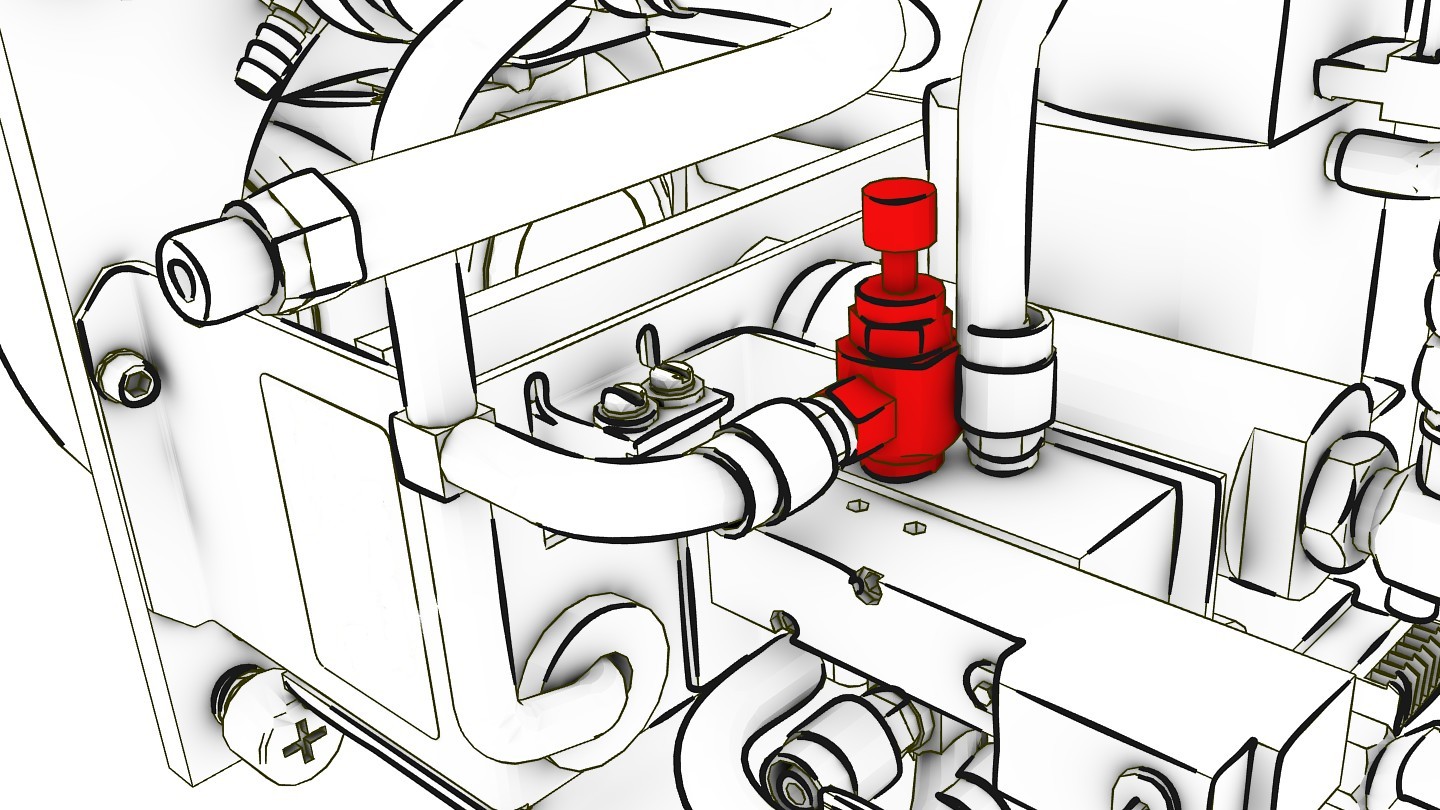 The Freestyle Branch of Blender 2.5 has the Non Photo Realistic (NPR) renderer Freestyle built in. Freestyle allows you to render images in cartoon, brush-stroke, charcoal or any other style. The Freestyle integration blog offers regular updates on the state of development, and also some nice examples of the capabilities.
Since the last blog update, the dev team worked on internal improvements concerning the interface between Blender 2.5 and Freestyle. The context issue reported in the last blog post was partially addressed, and now the branch is capable of .blend files having multiple scenes. Freestyle module parameters can be independently specified for each scene. The compositor should work with multiple Freestyle-based scenes as expected.
The remaining context issue is the question of how to provide style modules with a way of accessing the current scene being rendered. We have been contacting core Blender developers to discuss the most appropriate extension of the Freestyle Python API design.
The render of the week is a set of images offerred by Nakeyta Schulz. Precise models, approximate ambient occlusion (AAO) and strokes with Freestyle all together result in a very descriptive appearance. Node-based hatching and “fake†tone are also nice additions.
Link




Is it already built-in the recent version of 2.50 64bit? I seem to miss it in my rendersettings, although you claim here:
‘Blender 2.5 has the Non Photo Realistic (NPC) renderer Freestyle built in.’
not yet, but you can pickup a build with freestyle on graphicall.org
Wouldn’t it be better to state here that you should download a build, instead of ‘Blender 2.5 has the Non Photo Realistic (NPC) renderer Freestyle built in.’?
Hi Douwuhh, my bad – I misunderstood. I changed the text and added the download link.
https://svn.blender.org/svnroot/bf-blender/branches/ – I’m sorry, but I can’t find it here. What’s the name of this branch?
https://svn.blender.org/svnroot/bf-blender/branches/soc-2008-mxcurioni
Hello guys! I think the wordpress system inside Freestyle blog is broken. I already checked my mailbox and spam folder and nothing!
Suggestion to Freestyle guys: Bart linked the project better! Don’t forget to underline the word “branch” to reach a larger audience, and give a link to it. Please review your comment system! Thank you! You rock! Thank you to Nakeyta to!
NPC? do you mean NPR?
@aguest: ah yes, of course.
note to self: writing posts with a blinding headache is not such a hot idea
Looks to me I’ve picked the right week to take off work!
Thanks for the post Bart, I’ll look out some aspirin for you if you want ;)
Cheers
TxRx
I Downloaded the Win32 Build from Graphicall, but there are only .py Files in it, no Blender???
How can I test Freestyle?
Crap, their site is down. That would definitely be one to add to the rss feeds.
Might I give a plug to wordpress supercache? I think the site would survive if such a caching system were in place.
Anyway, I’ll check back later. I’m definitely looking forward to this.
Hi ppl, can someone msg here, when the site is up again ? (for email notification, sorry for being lazy…)
Thnx Bart!
when is freestyle going to be in trunk ?!
http://freestyle.sourceforge.net/index.php
oh, it’s going to be great when things like these will be possible in Blender:
http://www.gametrailers.com/video/capcom-gamers-street-fighter/26655
thankyouguys!
with freestyle I can render my anime!
thankyou guys!
hey are you japanese right?
I wonder why there is no version for Mac OS X?
Seems that the blog isn’t working the last couple of days :-(
Server down?
Ehr, how does it work/I ticked ‘freestyle’ in render settings but the render result has not changed?! (PS the blog is still offline)
@Rchv
checking the ‘freestyle’ button in the ‘post-proccessing’ section of the render settings only enables the feature. to configure it, go to the ‘layers’ section. Make sure ‘Freesty’ is marked, it allows rendering the strokes into the layer you use; and makes all the freestyle-stuff visible in the UI. You have to add a style-module like a modifier. well that´s it. can´t tell you more cause i just figured it out myself and i´m just going to play around with that thing. really cool feature anyway!
@Don Quixote
A Japanese user, TKSG8086 built it for Intel Mac OSX10.5.
You can find 2 version of builds below links.
blender-svn25040-freestyle-osx10.5-i386:
– default gcc build (multilingual): http://loda.jp/tamable/?id=4
– llvm-gcc optimized build (monolingual English): http://loda.jp/tamable/?id=7
Thank you TKSG8086 for sharing these builds.
Have fun! :-)
@Don Quixote
I made Mac OS X build by using llvm-gcc.
it’s available from the url following below.
http://loda.jp/tamable/?id=7
Thank you Satoshi for info and tksg for the build. The page was all in japanese but luckily the most important word Download was in English :) So I am downloading it right now.
PS:It crashes before even opening a window. I tried also to launch it from command line and it said:
LSOpenFromURLSpec() failed with error -10810 for the file …
Anyone else having trouble accessing the maximecurioni blog link ?
I searched about the error message, and I found it seems
to be concerned with the language environment of the OS.
So I newly made a build without i18n support.
The former build was i18n-enabled and language support files
were removed.
download here: http://loda.jp/tamable/?id=8
tksg > The problem persist …
Dyld Error Message:
Library not loaded: /opt/local/lib/libjpeg.62.dylib
Referenced from: /Users/me/Downloads/blender.app/Contents/MacOS/blender
Reason: image not found
Even with last build on your website