
25 Useful Blender tricks that aren’t so obvious

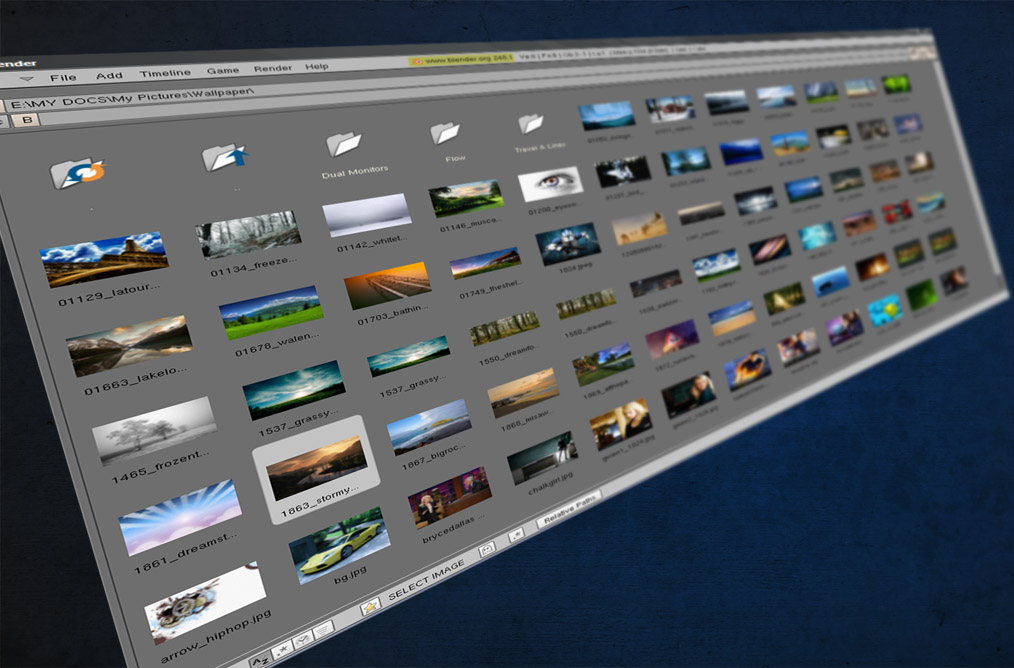 BlenderGuru.com, the new site of freelance Blender artist Andrew Price, has published a list of 25 useful Blender tricks. Â A couple of them made me go ‘wah!’, so even after ten years of using Blender there’s plenty to learn ;-) Check it out.



Nice!
WOW. I knew that Blender has more features than is described in the manual, but how they were revealed?
Indeed, cool collection! I also didn’t know for some of the tricks from this nice collection. It’s really amazing how many options are in Blender!
Now that is a great ressource. Thanks for posting.
Win.
I have a problem on ubuntu 9.04 layers shortcuts on keyboard doesn’t work exept ~ this button showing all layers.
Two of the tips were new to me or forgotten, the rest is old news. But still a very useful compilation. There’s also a thread on CGtalk for blender features that aren’t so obvious.
This is simply fantastic.
Just a small Q, how do people get to know these things? It is not even in the hot-key reference inside Blender (which deserves some updating)…
Win +1
Knew half of them anyway, but they are all great!
No 1’s readin’ manual or what??
Instant Camera Tracking with a Bezier Circle!
Try my free-for-all rotating platform. Check out:
http://www.youtube.com/watch?v=KZdzvGrgPio
It’s basically tracking a camera to a Bezier Circle. I never found any mention of it when I traipsed across the ‘net looking for Blender camera tracking solutions. Really simple, and incredibly versatile. Download the model at: http://brkurt.googlepages.com/testBall1.blend
Glad you liked the list everybody! The blog will be updated regularly so check back soon :)
@tmr232
I was wondering that myself. Most of the tricks I listed, I learnt from reading the ‘Cool tricks that aren’t so obvious’ thread at CGSociety: http://forums.cgsociety.org/showthread.php?f=91&t=52560. But it would indeed be interesting to know where everyone picked these things up. I imagine it makes it’s way down the grapevine after a blender dev tells a rookie :)
While I think some of those are obvious if you’ve bothered to read the manual, some aren’t in the manual and really should be! A superb little collection of simple but effective ways to speed up your work in Blender.
Very helpful for the beginners,not for long-time users…