
Blender Conference Live Video

 The Blender Conference 2009 can be followed live here (Quicktime or VLC required). A full overview is available on the website of De Balie (page auto-translated from the original page in Dutch). Enjoy! BlenderNation will be at the scene tomorrow and I’ll try to make a decent video report of the event.



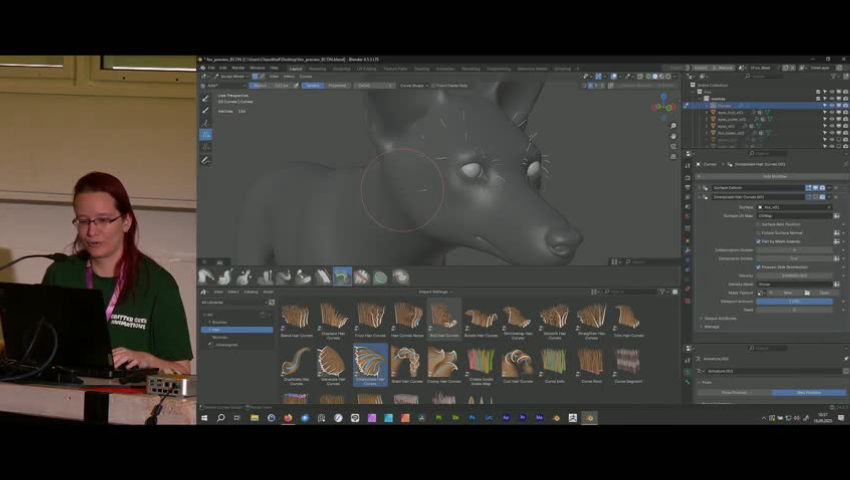
Currenlty watching. Nice.
By the way, first comment :)
PLEASE make the resolution higher!!! That’s cruel!
Or have you all 15″ TFTs??!!
Jolly: I dont care much about the resolution, I’m on a 20Mbps Cable connection, and I’ve got a lot of skippings on audio, it sucks :X But anyway, Livestreams are not that great, the only I found great was last year or something, on a youtube live something, like a festival or something, can’t remember the name, was transmitted in 4 diferent places in the world. That was huge =)
Audio is more important! Image could pause…but audio ? damn :X
I guess I wont continue watching…its becoming more and more unstable
I’m not having a great time with the live stream. Very choppy. I sure hope someone is recording all of these.
That stream doen’t work in vlc, mplayer or totem for me.
All is working very well but the resolution!!
It just stopped here, too. I think they switch it off when between sessions.
I get a resolution of about 480×360 by the way which works well enough for me. Do you get worse quality than that? Maybe it’s an automatic thing when you don’t have the bandwidth..
I found a way to get proper audio without skipping. I went to their website, and oppend the audio stream, wish doesnt skip, and turned to mute in the video! So I get both =)
Video is fine, Jolly is probably woste to HD :P
VLC-Stream doesn’t work!!
And the debalie page is in dutch! Hey this is an international conference!!!!
Further on I have a hijack message via in Firefox (NoScript)!! What the xxxx is that!!
Jolly: why not calm down ? No one’s being rude here man, and with no Nasa computers, all stuff normal and working, the same way this should work with you… and yeah, its truth there’s errors and that message, but why not use the translator of google with it? That’s the second link available on the message if you havent noticed :P but you should before typing sh!t
http://translate.google.com/translate?hl=nl&sl=nl&tl=en&u=http%3A%2F%2Fwww.debalie.nl%2Flive.jsp
@jolly: actually *reading* the post helps, too. I pointed out both the translated and original version.
hm… i tried your trick jahmaica, but the audio stream asks for a password!?
The video keeps breaking up and the audio is awful
yea, the video and audio quality is unfortunately crappy, can we think of a way to mirror the stream? =/
When I try to open the audio stream it asks for a username/pass, dose anyone know what they are?
Hessiess, just cancel it and the stream will go. (at least on VLC does)
@bned, Thanks.
Audio only stream is much better.
Do we know if they are recording the streams as well?
That’s all I really care about is that I get to watch the conference whether i have to download it or stream it.
They did a pretty good job last year.
I’m not having any problems with video or audio on a Mac 19″ monitor or PC 24″ monitor using quicktime pro I’m also on a 20Mbps Cable connection.
I confirm – the stream is perfect in quicktime :O
Webviewer works best for me. But still holding out for downloadable vids :)
fyi that address doesn’t work, but when I change “rtsp://” to “http://” it works fine.
Video streams down again:(
VLC works for me but the steam directly from Firefox works better…
In VLC, both Video and Audio skip but on their webpage, neither does :) – just seems that the autowhitepoint has a hard time doing its job on the screen: It flickers as hell :)
This event can also be followed live on the ‘3D web’:
At the Meta.Live.Nu Camp Site in Virtual Holland in Second Life: http://slurl.com/secondlife/Virtual%20Holland/22/222/22
More details: http://metalive.wordpress.com/2009/10/22/blender
The stream speed is very well!!
But the camerawork is bad!! What would you think of a splitted screen with slides on the left and speaker on the right!! Sorry guys your work is dilletantish!
With VLC it doesnt work for me too. But using Quicktime everything is fine ;)
I enjoy it a lot.
I suggested to use ustream.tv on the Blender mailing list, this has a web player and works very well… The stream is not working very well here in the USA, I have 10 Mbit cable modem and it skip audio a lot. I hope someone put this on You Tube so I can follow to conference as well…
BC 2010:
http://www.blendernation.com/2010/10/29/blender-conference-live
http://wp.me/p9f2i-ix