• Home
  • Art
    • Behind the Scenes
    • Images
    • Video
    • Games
    • Models & Rigs
    • Headers
    • Repositories
  • Development
    • Blender Development
    • Add-ons
    • Python Scripts
  • Education
    • Books
    • Tutorials
    • Videotutorials
    • Training Videos
  • Community
    • Conferences
    • Contests
    • People
  • Contribute
    • Contact
    • Submit News
    • Submit Header Graphic
    • Supporting BlenderNation
  • Home
  • Art
    • Behind the Scenes
    • Images
    • Video
    • Games
    • Models & Rigs
    • Headers
    • Repositories
  • Development
    • Blender Development
    • Add-ons
    • Python Scripts
  • Education
    • Books
    • Tutorials
    • Videotutorials
    • Training Videos
  • Community
    • Conferences
    • Contests
    • People
  • Contribute
    • Contact
    • Submit News
    • Submit Header Graphic
    • Supporting BlenderNation
Cycles Material Studies
BlenderNation
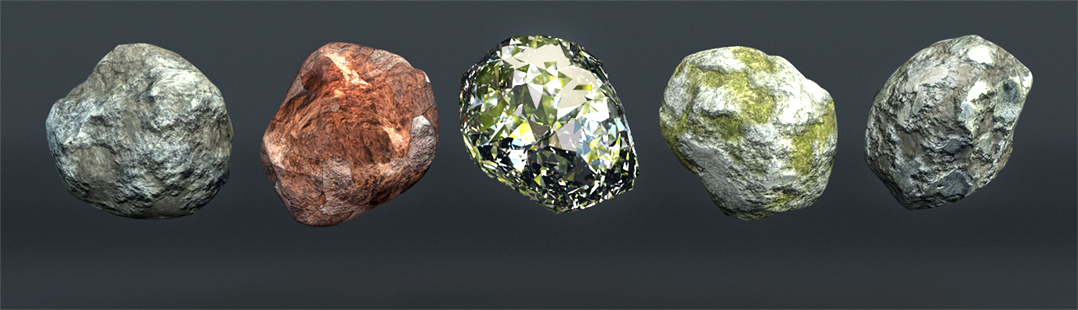
Cycles Material Studies
3D News Tutorials

Behind the Scenes of Big Feet, Little Planet

Tim Formica [Room335] · August 11, 2009

green footIf you enjoyed Daniel’s environmental commercial and were wondering about his process, he writes about it on the Brighter Planet site and offers some blend files for you to reverse engineer.

Author Tim Formica [Room335]
Advertisement
Ads help pay for running BlenderNation. Please consider adding us to your allow list.

10 responses

  1. Dan
    11 August 2009 at 18:52

    The website link comes up with a blank page. Is the site down?

    Reply
  2. stvndysn
    11 August 2009 at 19:31

    when i click the brighter planet link i get a “error establishing a database connection”

    Reply
  3. reck
    11 August 2009 at 20:26

    Error establishing a database connection

    Reply
  4. aws357
    11 August 2009 at 21:38

    Site was blendernationed it seems. Although I was able to check and leav a comment. (problem solved?)

    Reply
  5. BonE
    11 August 2009 at 21:45

    Works for me. Very interesting! Nice use of nodes, too.

    Reply
  6. TheGrayK
    11 August 2009 at 21:46

    I got there just fine
    also downloaded the file for the third foot it was interesting to see how it was done

    Reply
  7. Experiment Garden
    11 August 2009 at 22:24

    The best part of the article:

    “It was surprisingly difficult for the models to hit their mark on the glass quickly and accurately. They could hit the mark if they went slowly, but it was often too slow to work for the shot. However once their foot was already on the glass they could pull it down out of frame no problem. So I ended up reversing the footage on two of the shots. In the finished piece it looks like they’re putting their foot up, in real life they are taking it down.”

    Fascinating idea. Sometimes that kind of thinking is what it takes to get a good shot. And in the end the person watching the video can’t tell anyway.

    Reply
  8. Levi
    12 August 2009 at 00:18

    It was down, but it works now.

    I feel stupid though, I see the pieces but I just don’t get how it all works. I’ve got a lot of learning to do. Awesome job, and thanks for the info. Very appreciated.

    Reply
  9. IanB
    12 August 2009 at 01:29

    @Experiment Garden (and others :) )

    This same technique was used in the production of Braveheart starring Mel Gibson. In the closing scenes, the executioner brings his axe down to behead William Wallace. By filming this in reverse the scene was able to appear as though the axe was continuing downwards without slowing when, in fact, it began at his neck and the executioner pulled the axe away. The shot was reversed for the movie.

    Ian

    Reply
  10. Experiment Garden
    15 August 2009 at 02:27

    @ IanB:

    Makes sense. Without CG that would be the only way to make the axe chop look realistic and stil have Mel Gibson survive. ;)

    Reply

Leave a reply Cancel

Your email address will not be published. Required fields are marked *

Featured posts

  • Best of Blender Artists: 2026-23
  • Best of Blender Artists: 2026-22
  • Best of Blender Artists: 2026-21
  • Best of Blender Artists: 2026-20
  • Best of Blender Artists: 2026-19

Support BlenderNation

Keep independent Blender coverage alive

BlenderNation is run by a small passionate team. Your support makes continued independent coverage possible.

Support on Patreon →
Related articles
3D News

Free Download: Generate Wooden Houses with this Geometry Nodes setup

Bart · May 26, 2026
3D News

No Text Accent in Blender using Linux Mint? Easy Fix

Community Reporter · May 26, 2026
3D News

Free Add-on: General Ambient Occlusion in Blender

Community Reporter · May 20, 2026

About BlenderNation

BlenderNation collects the best free and paid resources for the Blender 3D community.

Support BlenderNation

Become a supporter Advertise

Contact

Contact us Submit news

Follow us

LinkedIn Mastodon
© 2026 BlenderNation — Part of the vrotvrot.com network
View full size ↗