

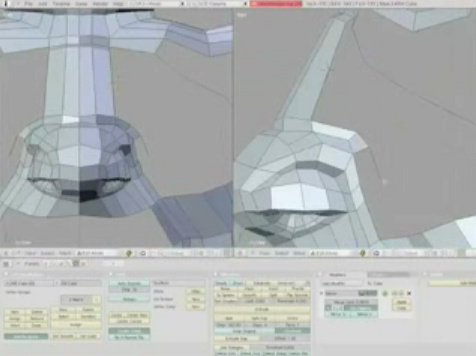
 The MontageStudio has published another great tutorial about character modeling. This time it`s a timelapse of a Steam-Punk head.
Here is the tutorial:
And check out the original article, published on the MortageStudio web site, where Jonathan Williamson puts a small note about the tutorial.

16 Comments
whoa, awesome o_O
That was awesome!
looks like you n' me have the same taste in music :)
that was the exact song I've been listening to for a month!
got it at the same place too !
great job on the model... you make it look so easy :)
damn, tahh's so hi poly, wonder when they'll make tutorials for blender suitable for 3d games
Great, time lapse modeling on the rhythm of music!
Hm.. that was neither a (full) head nor steampunk XD And the music was horrible :>
But he still has dem poly-by-poly skills.
I love watching this guys work. Well done again man!
Wow ... that's great!
I have no idea how to use this stuff .. hehe ...and these timelapse videos make it look so easy. It's disgusting!
I don't see how that's in any way Steam Punk. Def modelling skills though. Oh, and...
C H O O O O O O O O O O N ! ! !
Thanks, I enjoyed watching your style of modeling. Very creative.
Can't play it. :-((
Anybody have a download-link?
Thats Great.
MoNtage-Studio, not MoRtage ;)
anyway great skills there
great work as usual.
Thanks for this tutorial,its very Well ,thanks again
Thank you for this tutorial,its great work
Thank you for this tutorial