

Adaptive Subdivision Modifier (in development)

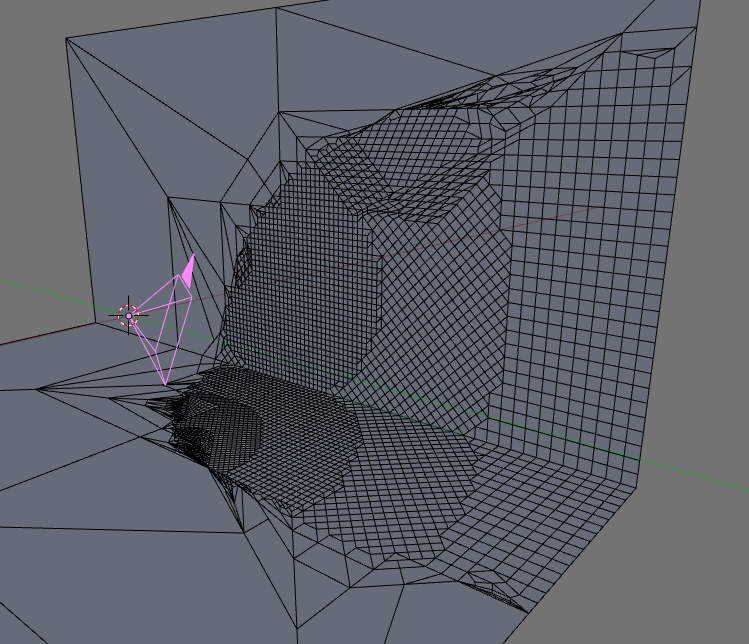 Kai Kostack, developer of the awesome Demolition script, is at it again…
I had another strange idea. Now it’s the implementation of micropolygons via python. It’s probably the worst implementation of micropolygons ever made, because it’s so slow and needs unbelievable amounts of memory but at least it works.

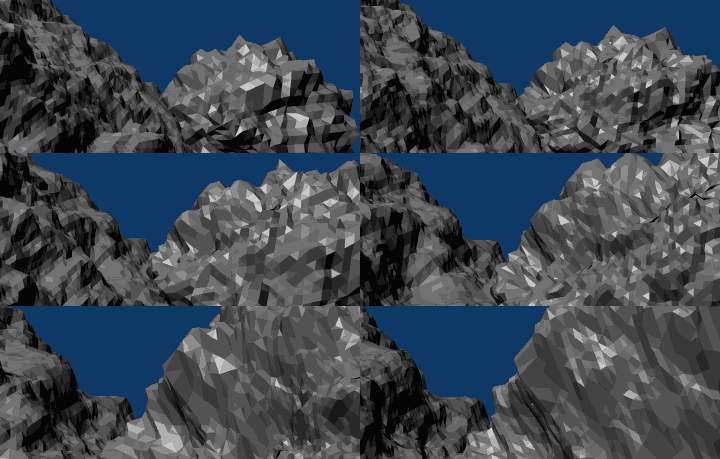

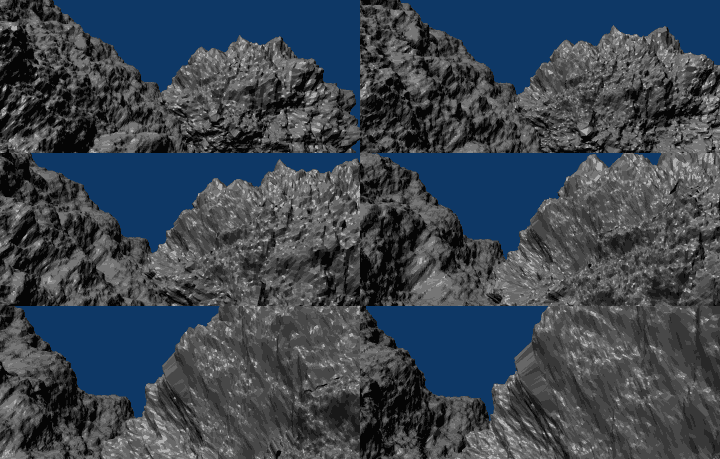
Further developments
I did some optimizations for motion blur.
Check this example mapped with depth images:
I just put suzanne there, produced a depth map straight from the z-buffer and then I applied the displacement modifier to it. To be exact two of them because I used two different uv-layers, each for every size. I used this image:

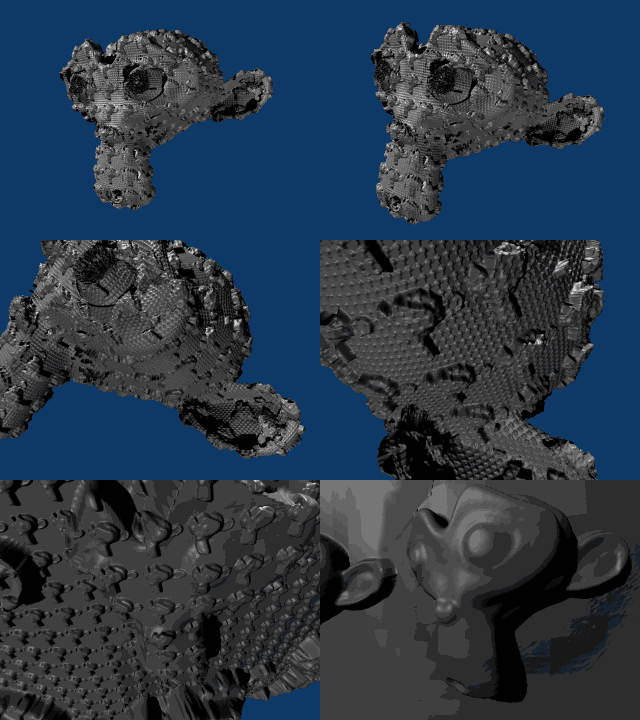

Another example
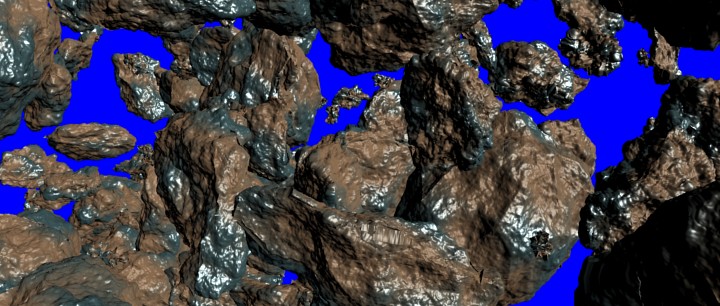
Render time: 6 minutes for 12,000,000 micropolygons
Not bad for a python script.
First Release (the code has been ported to C and integrated into a test build as a modifier)
This is the first test build (for Windows) and there are a still a few known issues left to solve:
- There is no motion blur correction and optimization so far. The modifier is calculated for each subframe for regular motion blur and vector blur won’t work at all so far.
- When rendering the modifier is always calculated three times per frame, even when vector blur or speed vectors are disabled. i don’t know why blender does this, it’s strange.
- In the viewport on time changes the animated camera position and rotation is somehow always one frame behind. i don’t think the modifier is the reason for this, G.scene->camera->obmat simply returns old values.
- And some for the end-user invisible hacks were needed to bypass some strange behavior of a meshtool function. I need to talk to some blenderdev about this.
It’s slow but it should work.
Download it from graphicall.orgI’ve created also a patch in case you want to build for your own platform. There is lots of old code in there but I’ll clean it up later when the problems are solved.
For more details and to keep track of development, visit the discussion thread.Â


Great!
Good work!
I waiting for this
very cool stuff!
Berry berry cool mun!
Interesting.
Sweet, this patch should speed up large tessellated ocean surfaces significantly.
I’m not sure if I got the concept of this. What exactly does it, why adaptive? Can somebody explain to me, please?
I guess it adds more resolution as needed. like if you;re far away it doesn’t need so much then as you get closer it increases the resolution of the mesh.
I could be totally wrong.
What the! That is really cool for big detailed scenes! Maybe you should add a subtractive subsurface function to it too.
Now that’s an amazing feature! Nice one Kai! I bow to your super skills with Python, man, someone like him will wind up being snapped up by sidefx or autodesk the rate he’s producing these great scripts!
is adaptive subdivision actually the same thing as micro-polygon?
how does this specific patch relate to the micro-poly work that was planned for peach?
http://users.pandora.be/blendix/peach_development.pdf
Sorry folks, I failed to include a link to the discussion thread. It’s been added to the article.
what would be really interesting is magically combining this with the sculpt tools….
kinda similair to zbrush3’s HD sculpting
maybe they can do that with project Durian…
ooh, fractal suzanne
damn, that sounds like a typical LoD implementation for games.
Im not sure if it is useful at the end for animation projects but still it shows how powerful blender really is. :)
Interesting.
@Schnappi: Actually it’s the opposite of LOD. LOD reduces poly count as objects get further from the camera. This takes a mesh and adds more detail to the mesh when it gets close to the camera. Big difference.
Awesome!
For me this is mathemagic.
A LOD modifier would be very useful since you could actively decimate. Would probably be slow though.
Whew, that’s amazing! In theory I like this idea even better than the demolition script. Keep up the good work, Mr. Kostack! I’m downloading it! ;-)
Very, very impressive :D
Wants it!
I like i, sort of like a dynamic LOD? Why not just use a multires and swap out which one is rendered based on distance from the camera?
Also, how about making it available as a Node or letting Weight Paint modify how many polygons are created on a mesh?
mrmowgli
I hope this will be available for SCULPT MODE TOO !
This would be VERY HELPFUL!
Any hope ?
Well “adaptive” means that it will tessellate where and how you define…could be based on distance, weight paint, edge sharpness, ipo, or any combination..this is my guess. This is how it “should” work….I’ve not used it though. In any case this is some very nifty stuff…”great work” is a sore understatement here….especially if it was coded by one person…”WOW” is my opinion..getting this to a dll will drastically improve it’s speed too.
One question, is it UV compatible….does it preserve UV’s?