
Game Engine Fire Tutorial

 I’m one of those that has yet to experiment with the Blender Game engine. But if you are one of those people that are on the edge like myself and need some help to get started. These tutorials are a great start.
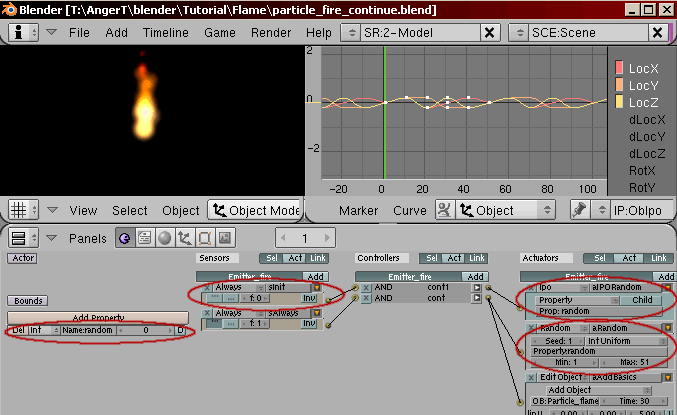
Prof. Monster has created a series of game engine tutorials on special effects. In this case getting particles to work within the game engine. The series of tutorials include: particle basics, particle flame, particle fire and particle smoke. The tutorials are a great set to get you started on particles and effects in the game engine.
Quote Particle basic tutorial:
Particles in the Blender Game engine are not the same as particles in the Blender Editor. Game engine Particles are objects of any type added at runtime. Usually these are small faces with a texture that forms the shape of one or more particles. Particles can be combined to produce some eyecandy effects such as flames, smoke or fireworks. This tutorial describes how to set up a simple particle system. Advanced tutorials will describe how to get some nice effects.
You can find the particle tutorials here.



cool. I will try this out. I have never played with the GE
nice tutorials. was always too lazy to test the ge in blender. but thats a nice reason to test it xD
Looks good. I will try it later when i finish this 18 page revision sheet which is due on monday ;_;
Awesome!
just what Johan said: Awesome!!1!
Cool! I’ve been trying to get a nice fire effect, and this one is exactly what I wanted! Well done!
I agree. well done I will get this tutorial.
how ’bout some particles due to scratch like those in car race. like what happens when a car bumps or touches through walls, boarders in tracks, is there any IPO series for that case? or lets just say a python script. anyway, nice guide man.