

Tutorial: Creating Models For VTP And OSG Using Blender

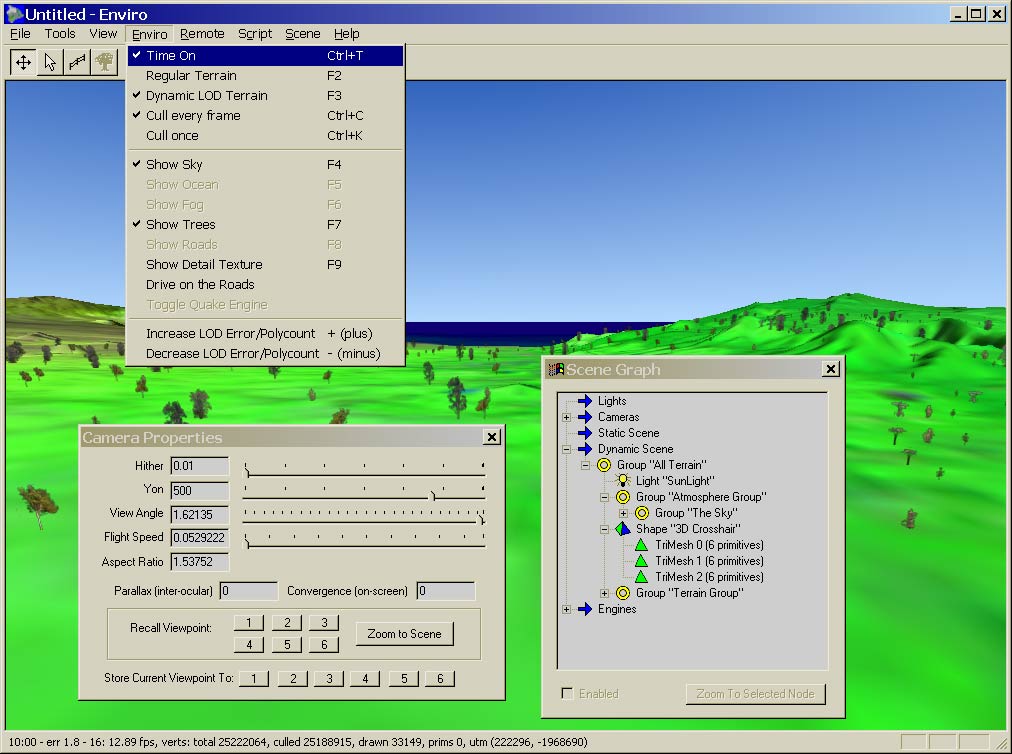 James Davis pointed us to a tutorial by Ben Discoe from the Virtual Terrain Project (VTP) on creating models for VTP and Open Scene Graph (OSG) using Blender.
So what is the VTP? The Virtual Terrain Project fosters the creation of tools for easily constructing any part of the real world in interactive, 3D digital form, and incorporates the fields of CAD, GIS, visual simulation, surveying and remote sensing. VTP writes and supports a set of software tools, including an interactive runtime environment (VTP Enviro). The tools and their source code are freely shared to help accelerate the adoption and development of the necessary technologies.
So why does VTP need Blender? From Ben’s e-mail:
For a number of years, the VTP, like most realtime rendering software, has struggled with a difficult art path – the means of getting 3D models from modelling tools into the runtime. Although a variety of formats are supported through OSG (open scene graph), it is almost always tricky to get the CAD or 3D-modelled object to look the same in realtime 3D as it did in the original package.
Finally, after much thrashing and getting help from experienced Blender users, I learned how to control [Blender]. I even ended up learning Python in order to make useful improvements to the ‘osgexport’ script which exports from Blender to VTP/OSG. Those experiences are now summarized in a tutorial.
It’s certainly great to see Blender used in such grand projects like VTP!



Great! It’s so cool to see that open source projects collaborate so nicely…
Excellent! I just recently visited their site (before knowing this news) and left it wishing I could somehow use Blender with their app.
I’ll have to check them out again! Thanks.
So other projects are integrating Blender in their pipeline, that’s really nice to hear. It’s value only grows and grows.
Hurrah for VTP in Ahualoa, Hawaii!